Screenshot API
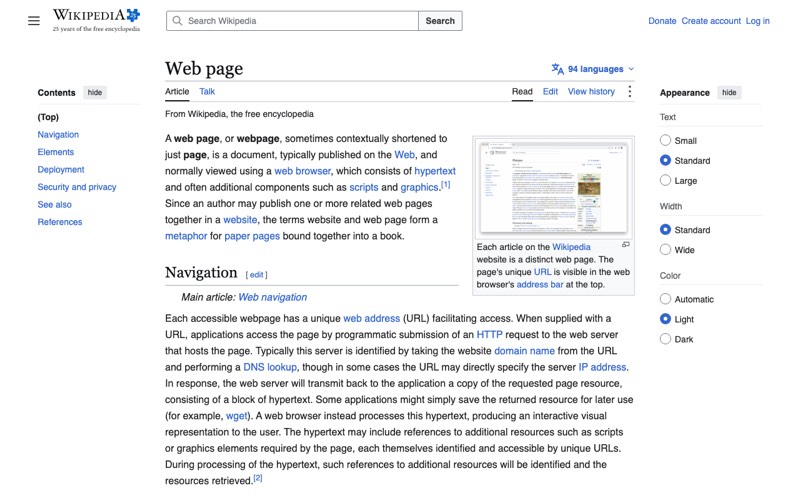
Take a screenshot of a web page by providing the URL. IP blocks, captchas, location restrictions etc. will be resolved in the process. The screenshot will be returned as an image.
The page is rendered in a browser viewport of width x height pixels (default 1280 x 800) and captured 1:1, so small widths show the site's mobile layout. The response is a JPEG image.
Parameters
| Name | Example | Description |
|---|---|---|
url | https://en.wikipedia.org/wiki/Web_page | The url of the web page for which a screenshot should be taken. |
width | 1280 | The width of the browser viewport in pixels (100 to 1920, default 1280). The page is captured 1:1, so small widths show the site's mobile layout. |
height | 800 | The height of the browser viewport in pixels (100 to 1920, default 800). |
api-key | abcd1234 | Your API key. |
Headers
Response Headers:
Content-Type: image/jpegX-API-Quota-Request: The number of tokens used by the requestX-API-Quota-Used: The number of tokens used in total todayX-API-Quota-Left: The number of tokens left today (depends on your plan)
Frequently Asked Questions
Can it handle full-page screenshots?
Currently, the API captures the visible viewport of the web page. Full-page capture capabilities may be added in future updates.
Does it work with JavaScript-heavy sites?
Yes, the API renders the page using a real browser engine, so it can execute JavaScript and capture dynamic content just like a user would see it.
Can I bypass captchas?
The API has built-in mechanisms to attempt to resolve or bypass common captchas and IP blocks to ensure a successful screenshot.
How is the Screenshot API different from the Extract Web Content API?
The Screenshot API captures a visual image of the web page, while the Extract Web Content API extracts the text and metadata from the page.